It’s always DNS…
Written above the door at UKD HQ
DNS Stands for the Domain Name System and it is how you computer finds out which server on the internet to ask for, for example, a web page from.
There are three primary (and totally separate) elements when resolving a domain name to an IP address. These are:
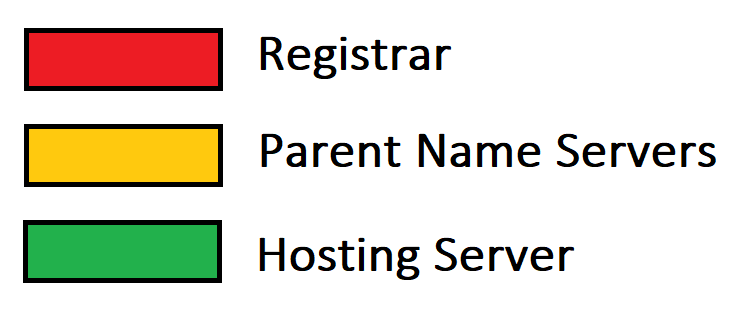
- – Domain Registration (Who you pay for your domain renewal)
- – Parent Name Servers (Where you set DNS records)
- – Hosting Server (Where your website files etc are)
To reiterate because it is crucial, these three elements are totally separate. Although some providers may give the service of two or three, this isn’t a necessity and even those providers will likely not rely on one service working for them all to work.
Domain Registration
Before you can use yourcustomdomain.com you need to register it for use. Checks are done that nobody else on the internet has a currently active registration of yourcustomdomain.com and (some) registration details are publicly accessible for anyone to see using a whois service for example domaintools whois service
Parent Name Servers
Your parent name servers are set at your Registrar. These are the servers which host your DNS records. You can check what parent name servers are set at your registrar through a whois lookup (see Domain Registration)
Hosting Server
This is the server which hosts the applicable service (for example your website).
An Example
A DNS Query (over simplified)
The following assumes no DNS cache!
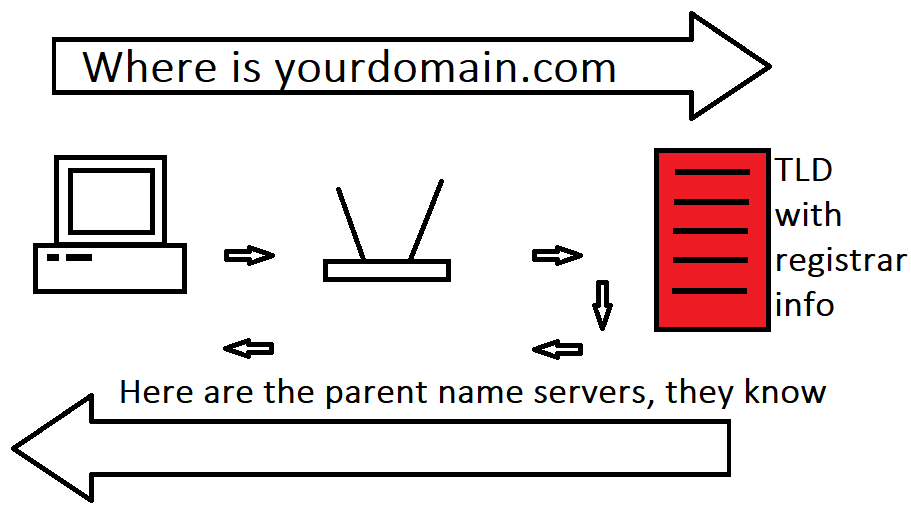
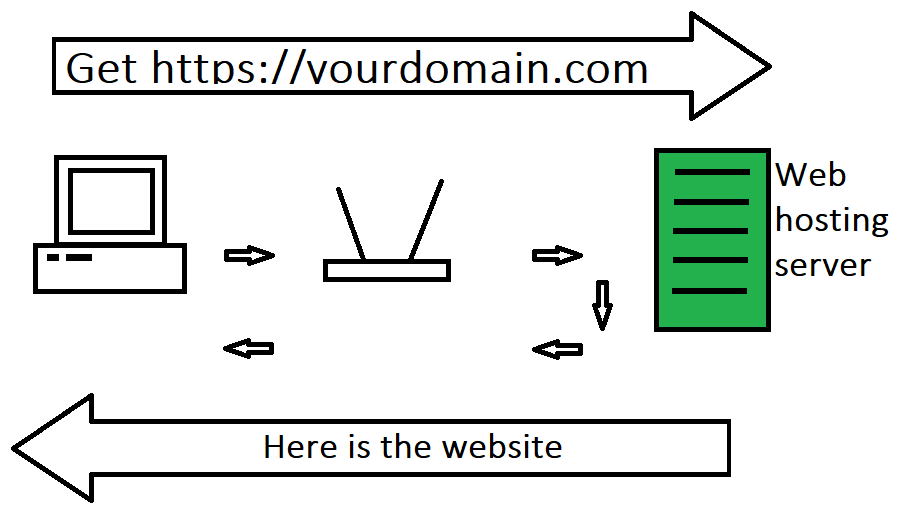
When you input yourcustomdomain.com into your browser to view your website first your computer will query your network DNS server for the IP address of the website. In a home network by default, this is usually your Router. If the router doesn’t have the answer to “What server hosts the website for yourscustomdomain.com” [it] asks a series of preset DNS servers (such as your internet provider) the same questions until it reaches the the TLD servers (Top Level Domain) who have the registration details. They will respond with the parent name servers as set at your registrar. Essentially the TLDs are saying, we don’t know where the website is but we DO know who can tell you. It is the parent name servers.
At this point [your computer] can then ask those name servers where the website is. These will return an A (or AAAA) record which is the IP address of your website on the hosting server so your computer knows where to send the requests for the website.